Starting a podcast or even just leveling up your video conferencing game can seem really intimidating if you don’t love nerding out on technology. So, below is the technology that I use. This list breaks down into a “Good, Better, Best, and Beyond Best” recommendations, based on what I use today.
- Good — camera, microphone, and lighting
- Setting up your desk
- Better — green/blue screen
- Best — teleprompter
- Better than best — control pad
GOOD – the minimum professional set up
The minimum for a good podcast and conferencing is a 4K webcam, a microphone, and some lighting.
I highly recommend the Elgato 4K Facecam, not only for the resolution but for the options to tweak for best results.

Depending on where you hang your camera around your monitor, you might be off center. The Elgato camera app lets you tune the zoom, pan, tilt, etc. This ensures you are centered in the frame; and it’s an easy fix.
For basic lighting, two Elgato Key Neo lights can ensure that you are neither washed out nor hidden in the darkness. They are inexpensive and USB powered.

I love a good boom mic. There’s a huge credibility difference and an improved sense of “connectedness” with your audience when you don’t have headphones on or air pods hanging out of your face. Instead a decent boom mic that straps to your desk and then is centered just out of camera view is a great addition. Or if you want to seem techie, then let the edge of the mic be just within the camera frame.
- Blue (now part of Logitech for Creators) makes a very cost effective Yeti microphone that’s used by me and many of my friends and colleagues.
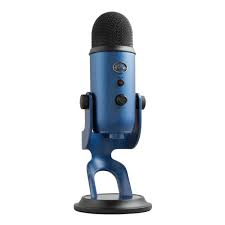
- There are numerous boom arms that will work and its the only piece of this kit where I don’t have a real opinion — and will likely vary based on where you want your microphone. I have a Blue arm that works well.
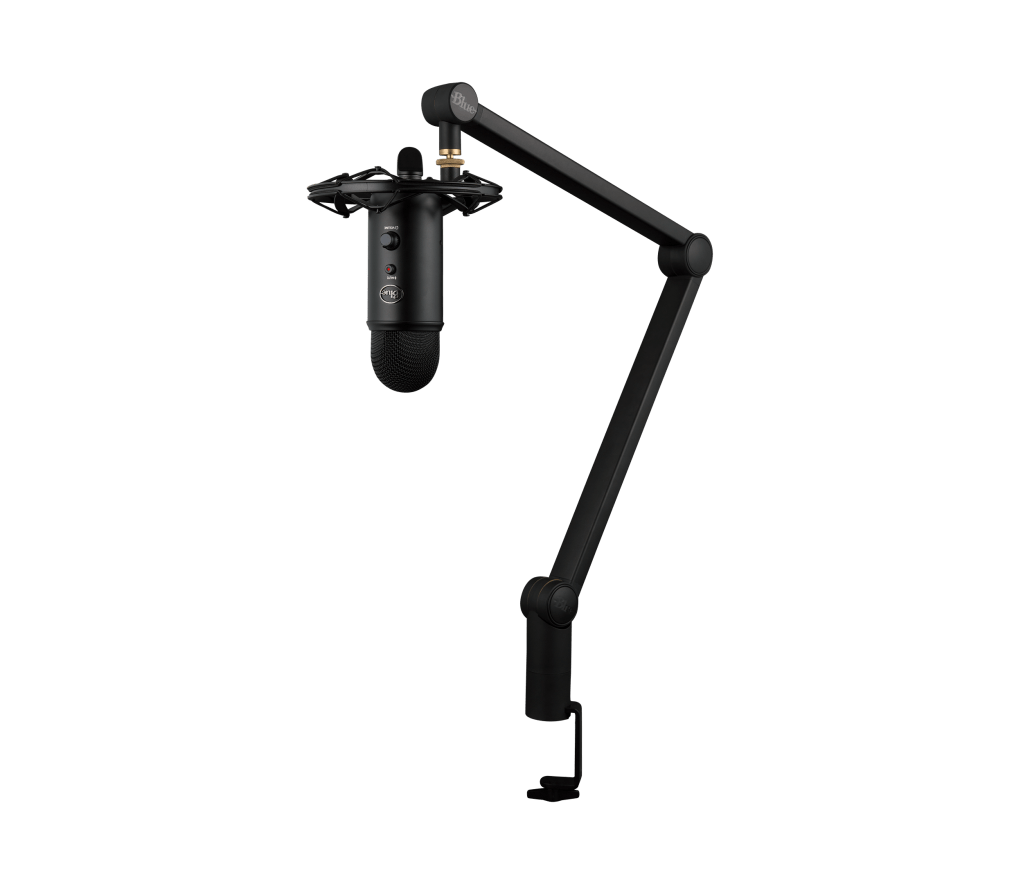
- Regardless of the arm (generic or otherwise), I’d still get the Blue ShockMount from the mic to the arm.

Setting up your desk
Most webcams can hang off the frame of your monitor and I’ve already recommended that your microphone be on a boom arm. But when you start adding lighting or want to step up your game, a few desk mounted arms can give you the ultimate flexibility for how all your tech wraps around your monitor and your workspace.
There are a lot of generic desk mounts and kits on Amazon. My favorite desk clamp arms are from Neewer – they are very stable, easy to set up, flexible/extendable, and cost-efficient. Each arm can extend, compress, swivel on the desk, and turn the devices in 360° — they’re awesome.

BETTER – green or blue screen
There’s a night and day difference between when your conference software throws up a generic background image that you flicker in and out of … and a green or blue screen that really lets you seem in your environment. The “chromakey” technology used to be complicated; but today, it’s easy to set up and usable by just about anybody, with almost any camera software. To get a better background, you’ll need two things:
- A green or blue screen (on a stand)
- Better lighting
For a green or blue screen, I like the Neewer fabric screen because it’s blue on one side and green on the other. So, depending on the colors you want in your background and your wardrobe, you can simply turn the screen around. And, it easily folds up so you can tuck it out of the way in less than a minute.
I hang my fabric screen on a generic stand which also folds away in seconds. Quite literally, I can pull out my stand, unwrap my screen, and be ready for podcasting in under 2 minutes. Here’s Neewer’s screen with a stand, which is what I use today.

The most important key to success for green screens is good lighting. The software works by identifying a primary color (green or blue) and then removing that color from the image. But shadows on your screen make that harder, so while a “good” light set up might include two lights that are aimed at angles, I add two more lights directly on me and the screen, so that the screen is evenly lit without shadows.
In this case, just add two more Elgato Key Neo lights, which can be conveniently mounted and aimed with those desk arms listed earlier.
BEST – game changer teleprompter
Easily the best upgrade I have ever done has been a small teleprompter. My first year of podcasts shows me routinely looking down at my notes and sometimes my lighting was off because the computer screen was casting hues.
A teleprompter works by putting your camera behind a small pane of glass that is also a computer screen, so that as you’re reading the words, you’re actually looking into the camera. The Elgato Prompter is very light, works with a variety of cameras, and includes a built-in mount for your Elgato Facecam that is perfect.
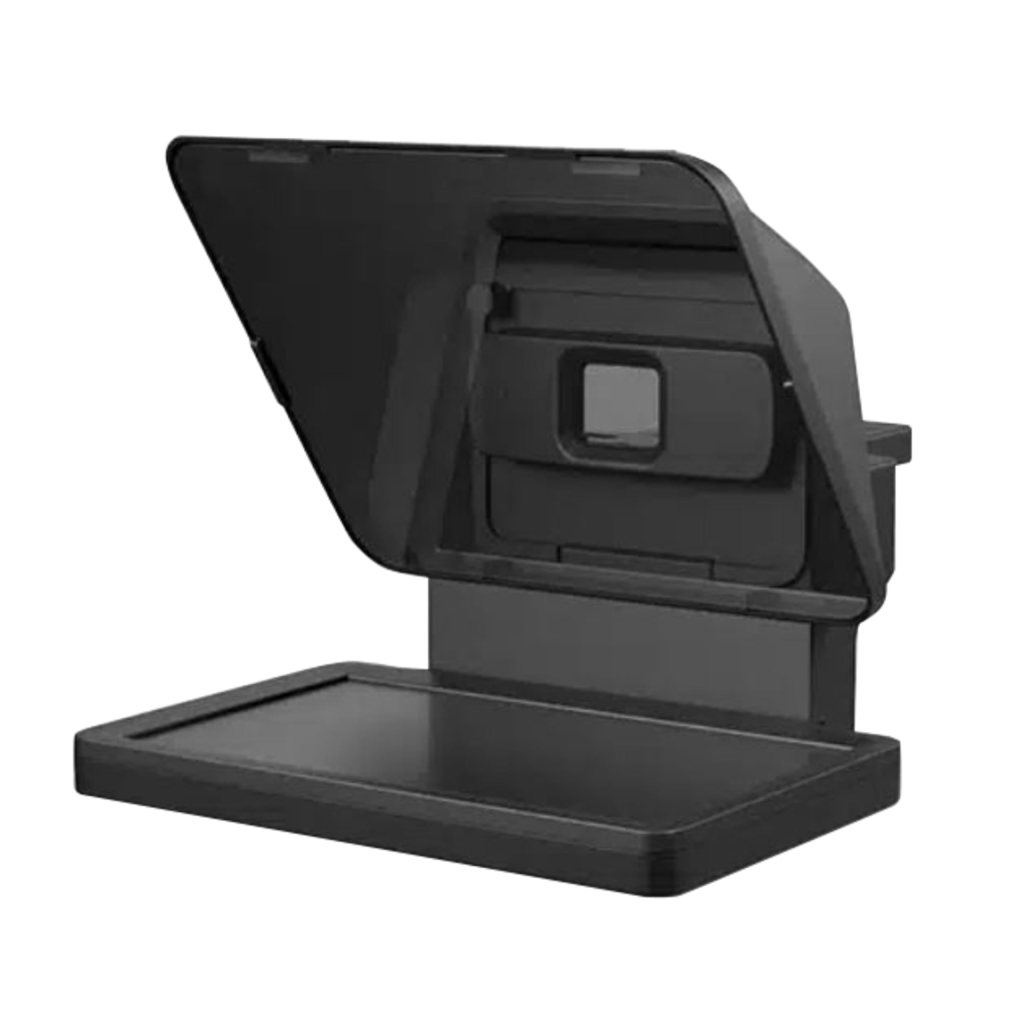
These days, I write my scripts or notes and just paste them into the Elgato Prompter software in seconds.
When I’m ready to record, just hit play and the words will scroll by at whatever pace fits your style. Now, I don’t look down and my audience sees me looking at them no matter how little or much I have to say.
And of course, the prompter simply hangs above my monitor using one of the desk arms from earlier. Truly game changing!!
BETTER THAN BEST – optional, but so very nice
If you have an iPhone and any other iStuff, you know that the more tech from one vendor that you have, the nicer the overall experience can be, because they add to each other.
Thus, an optional but very nice add-on for the Elgato camera, lighting, and teleprompter (or frankly any video streamer at all) is the Elgato StreamDeck.
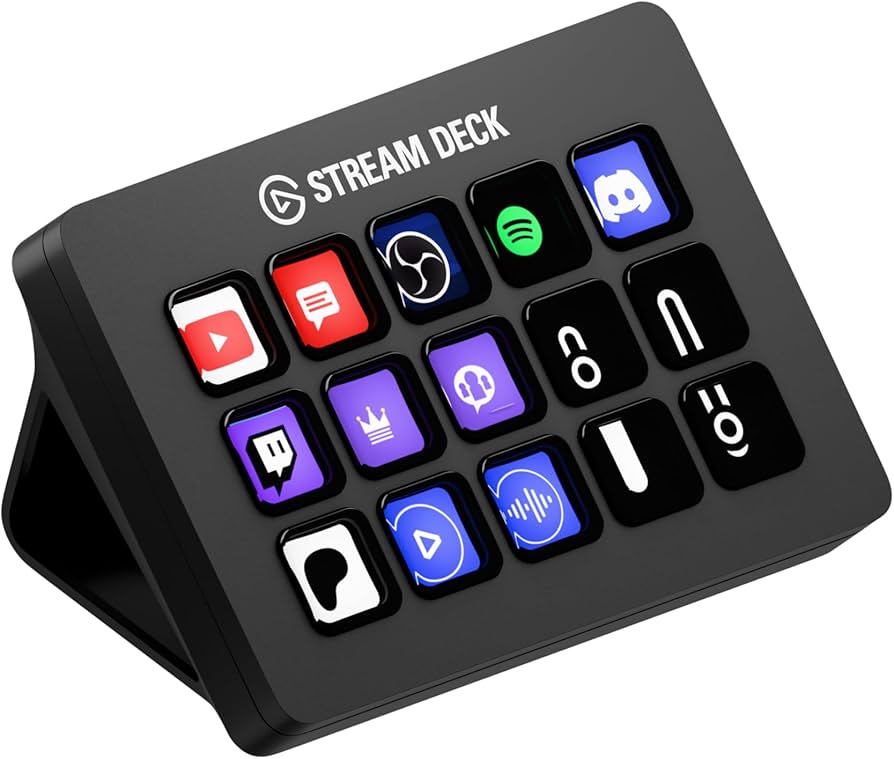
It’s a small control pad via USB port that then lets you turn your lights on/off, change temperatures/brightness, etc. as well as manage third-party devices like my Hue lights. Technically, you can do all the same things from a handful of apps that come with each of the other devices, but to put it all into easily configured push buttons is totally worth it (to me).
That’s it. Every major conference software (Teams, Zoom, whatever) can use this setup and for recordings I prefer OBS Studio.
In summary, here’s your shopping list:
GOOD
- Elgato 4K Facecam webcam
- Elgato Neo lights
- Blue Yeti microphone
- Blue/Logitech arm
- Blue Shockmount
- Kit includes Blue Yeti mic, arm, and mount
- Also consider the Neewer desk clamp mounts
BETTER
- Neewer Green/Blue screen and stand
- Be sure to add more lights to even out the screen color and likely those desk clamp mounts so you can aim the lights
BEST
- Elgato Prompter so you maintain eye contact
BETTER than BEST (but optional)
- Elgato Streamdeck for easy controls
Hope this was helpful — happy podcasting, streaming, and connecting.
Disclaimers: I am a fan of Elgato, having used Logitech, Brio, and others, and you’ll see why when it all comes together. Am providing the Amazon links because they are global. That said, I am an Amazon affiliate, so I might get a dollar if you purchase from the links (or not).
All the recommendations are simply my opinions based on what I’ve tried before and what I use now. Your other friends’ opinions may vary.

 Jason Buffington .com
Leave a comment